What makes the best directory listing plugin for WordPress truly good
A good directory plugin should do more than let you publish listings. If you are trying to choose the best directory listing plugin for WordPress, this is the level where the real comparison starts.
It should help you build a directory that is practical to manage, clear to browse, and flexible enough to grow later.

In practice, the best directory listing plugin for WordPress usually needs to handle these areas well:
- listing structure
- categories and locations
- custom fields
- frontend display
- search and filtering
- frontend submission
- user access flow
- monetization options
- maps and location logic
- archive and single listing behavior
If one of those layers is weak, the project usually becomes harder to scale.
Start with one simple mental model when choosing the best directory listing plugin for WordPress
If you only remember one thing, remember this:
- a weak plugin may let you publish listings
- a strong plugin helps you build a full directory system
That is the real difference.
If the plugin only solves the first step, you often end up needing workarounds later for:
- search
- submission
- payments
- frontend dashboards
- permissions
- archive pages
- page builder integration
That is why the best directory listing plugin for WordPress is usually not the one that looks good only on day one. It is the one that still feels right when your directory becomes more complex.
The most important things to compare before choosing the best directory listing plugin for WordPress
A practical decision about the best directory listing plugin for WordPress usually comes down to a few core areas.
1. Listing structure and taxonomy control
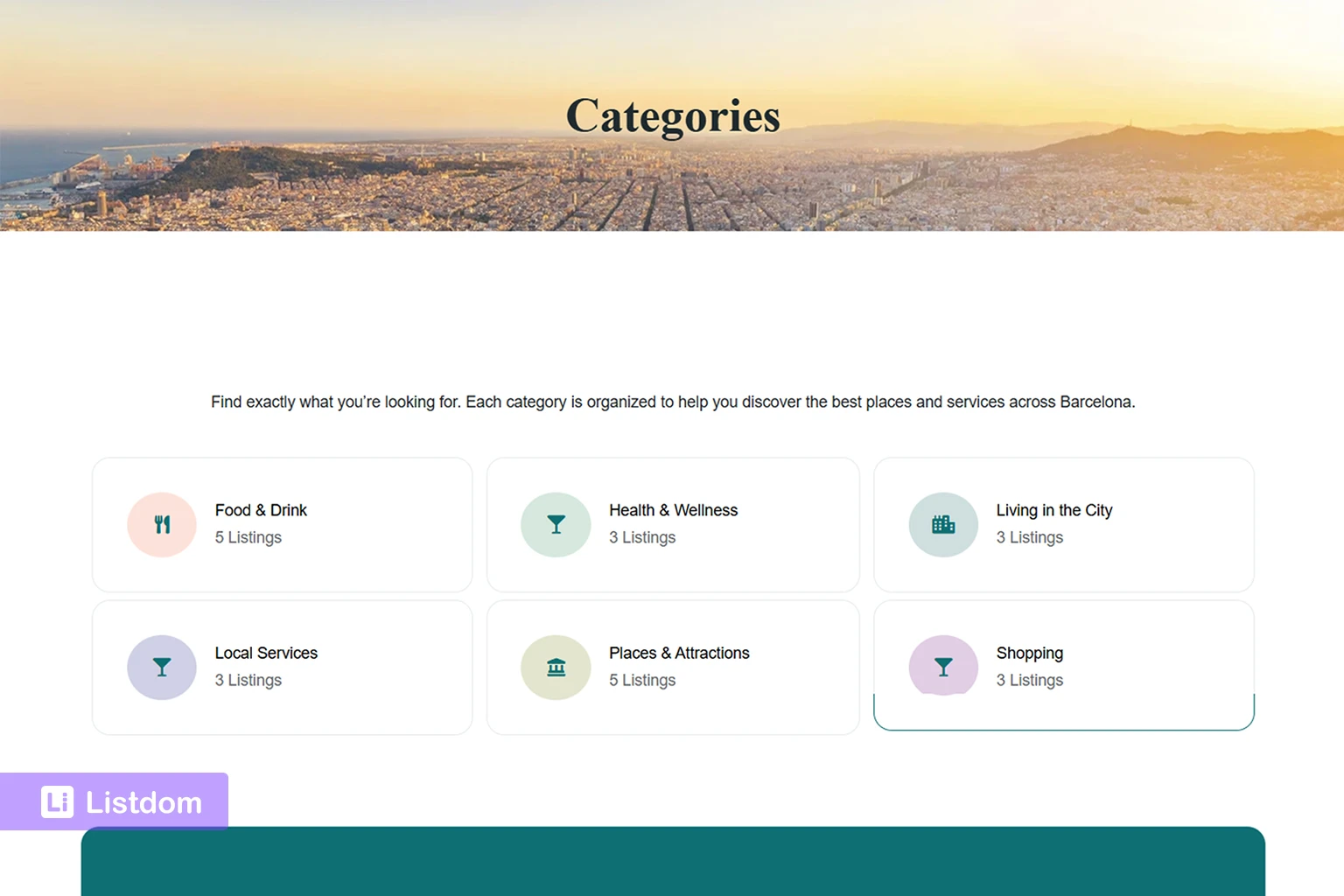
A directory plugin should let you organize listings in a way that fits the real model of your site.
That usually means support for:
- categories
- locations
- features
- labels
- tags
- custom fields
This matters because a directory with weak structure becomes harder to browse, search, and scale.
Listdom is strong here because it gives you a full structure layer instead of treating listings like a flat post list. If you want to understand that side better, see:
- https://listdom.net/blog/listdom-listings-categories-locations/
- https://listdom.net/blog/listdom-labels-features-tags/
- https://listdom.net/blog/listdom-custom-fields/
2. Search and filtering flexibility
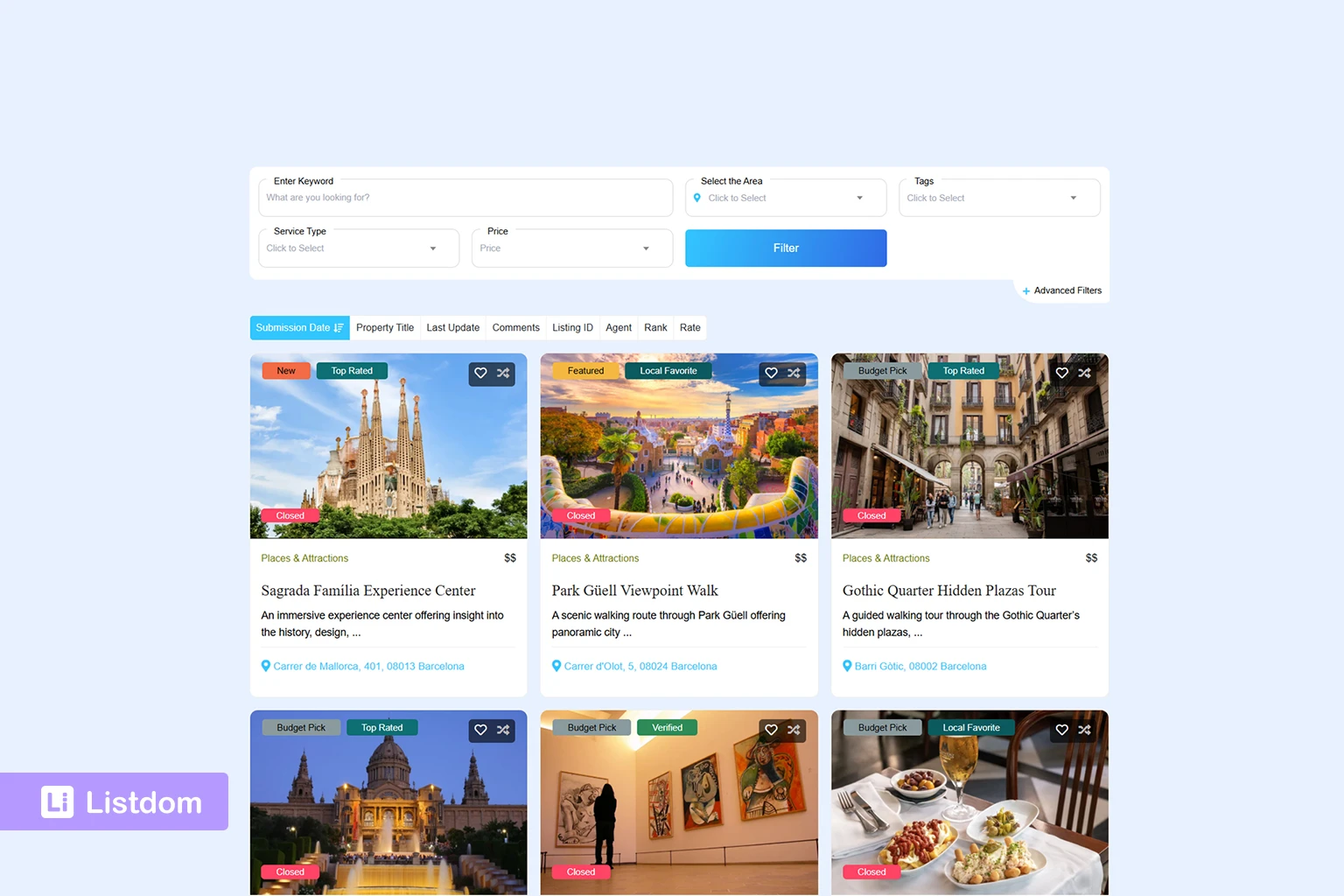
A directory plugin should not force all visitors into one generic search experience.
Different projects need different search behavior.
For example:
- a local directory may need location-first search
- a real estate site may need highly filtered pages
- a niche directory may need custom field filters
- a general business directory may need category and keyword search first
Listdom is stronger than many older directory plugins here because it separates search-building from page-building more cleanly. You can build search forms, connect them to shortcode output, and create more specific filtered display pages when needed.
Related reading:
- https://listdom.net/blog/listdom-search-forms/
- https://listdom.net/blog/listdom-shortcodes-search-forms-pages/
- https://listdom.net/blog/listdom-taxonomy-archive-pages/
3. Frontend display and page flexibility
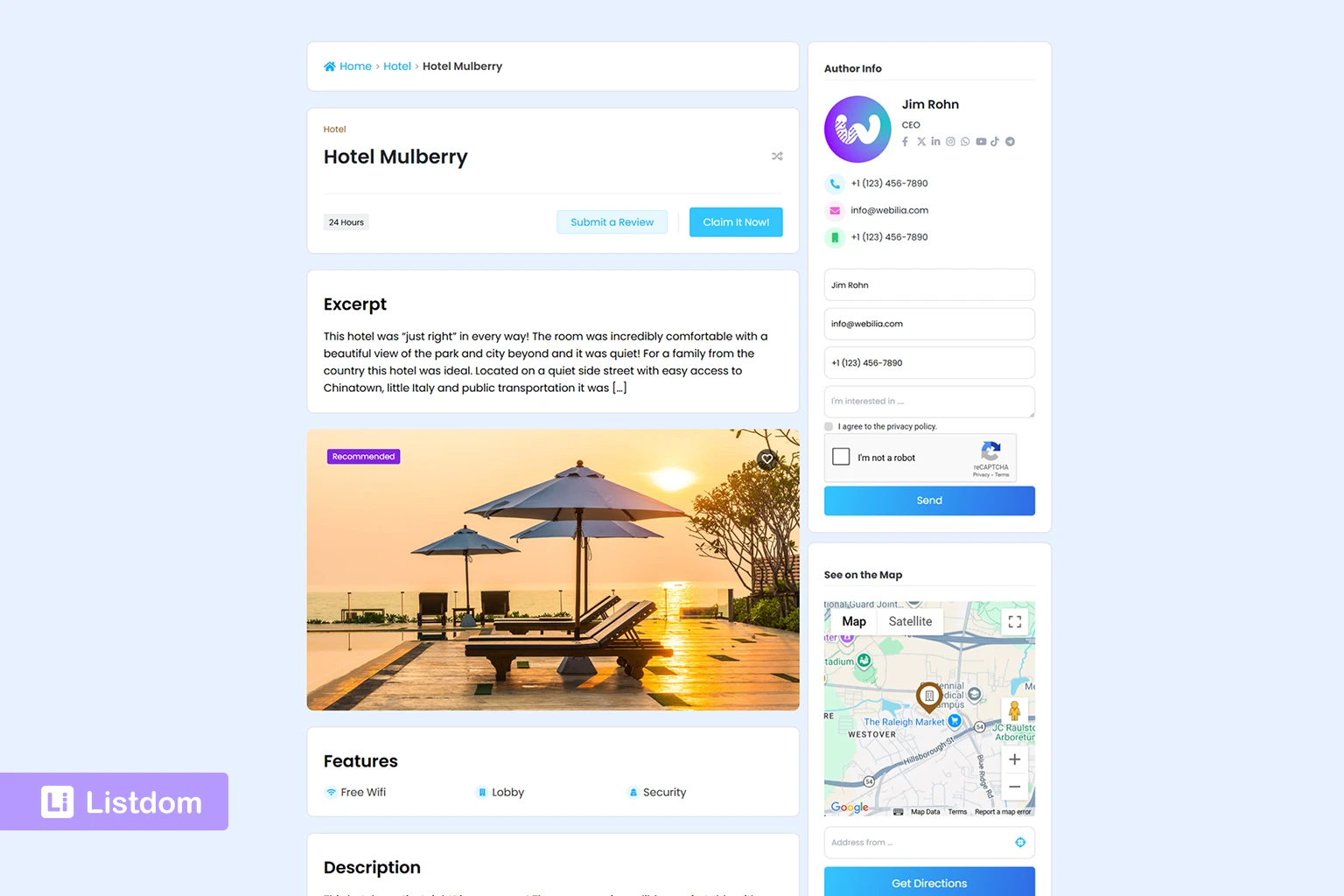
Many directory plugins become limiting when you want a better front-end presentation.
You may need:
- grid layouts
- list layouts
- map layouts
- sliders or carousels
- taxonomy archive browsing
- custom filtered landing pages
- more control over the single listing page
This is one of the reasons Listdom stands out. It gives you multiple display layers instead of one fixed front-end pattern.
That means you can use:
- shortcode-based pages
- taxonomy archive paths
- search results pages
- automatically created single listing pages
And each one solves a different front-end job.
Related reading:
- https://listdom.net/blog/display-listings-listdom-shortcodes/
- https://listdom.net/blog/listdom-shortcodes-search-forms-pages/
- https://listdom.net/blog/listdom-single-listing-page/
- https://listdom.net/blog/listdom-taxonomy-archive-pages/
4. Frontend submission and user workflow
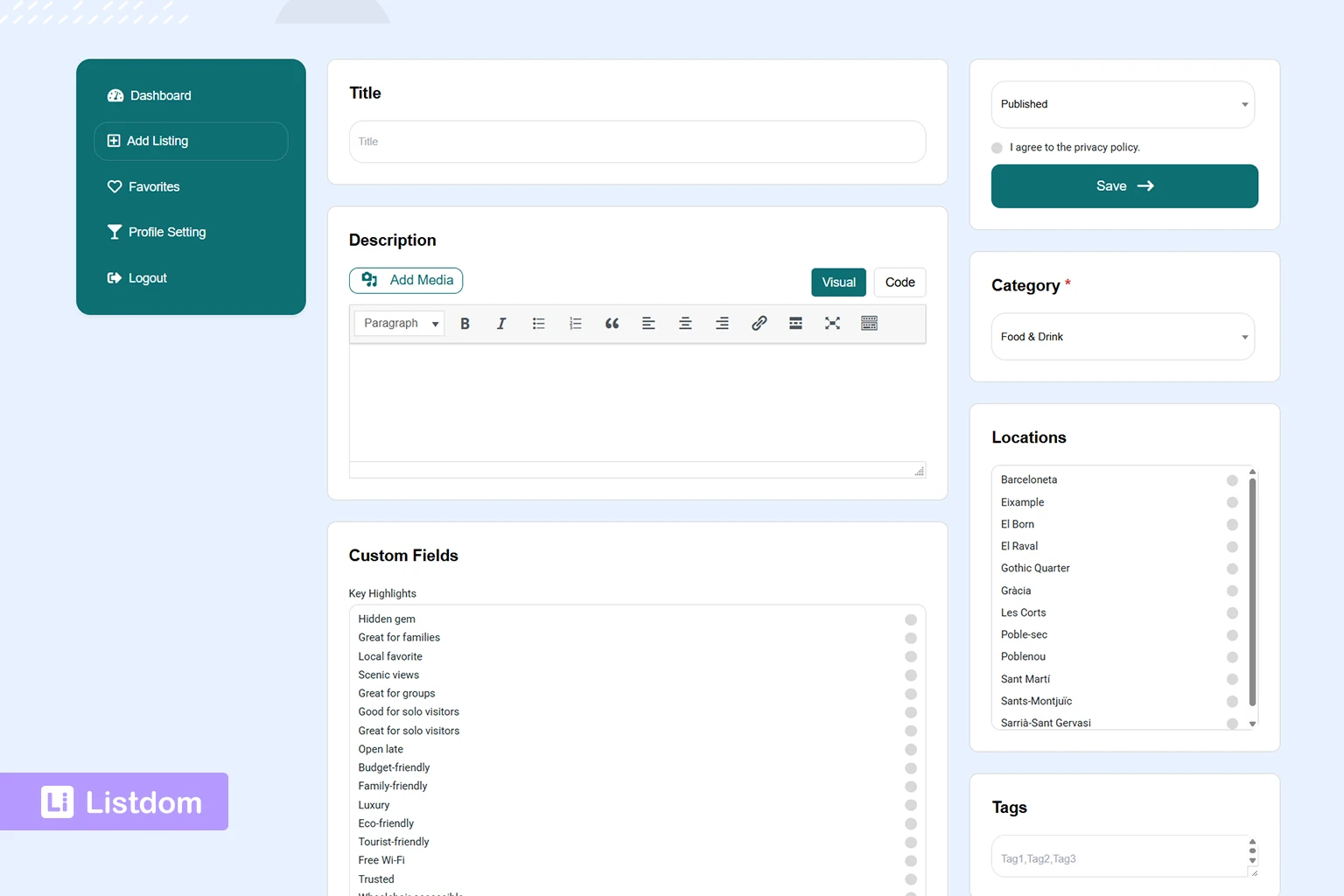
This is where many plugins feel incomplete.
A real directory site often needs more than admin-side listing entry.
You may need:
- frontend submission
- a frontend dashboard
- login and registration flow
- user roles
- moderation
- approval logic
- guest-vs-user submission decisions
Listdom is a stronger choice when your directory is meant to grow beyond admin-only publishing, because it already has a more complete workflow around frontend submission and management.
Related reading:
- https://listdom.net/blog/listdom-frontend-dashboard/
- https://listdom.net/blog/listdom-login-registration-access-flow/
- https://listdom.net/blog/listdom-add-listing-form/
- https://listdom.net/blog/listdom-moderate-approve-listings/
- https://listdom.net/blog/listdom-user-roles-listing-permissions/
5. Monetization potential
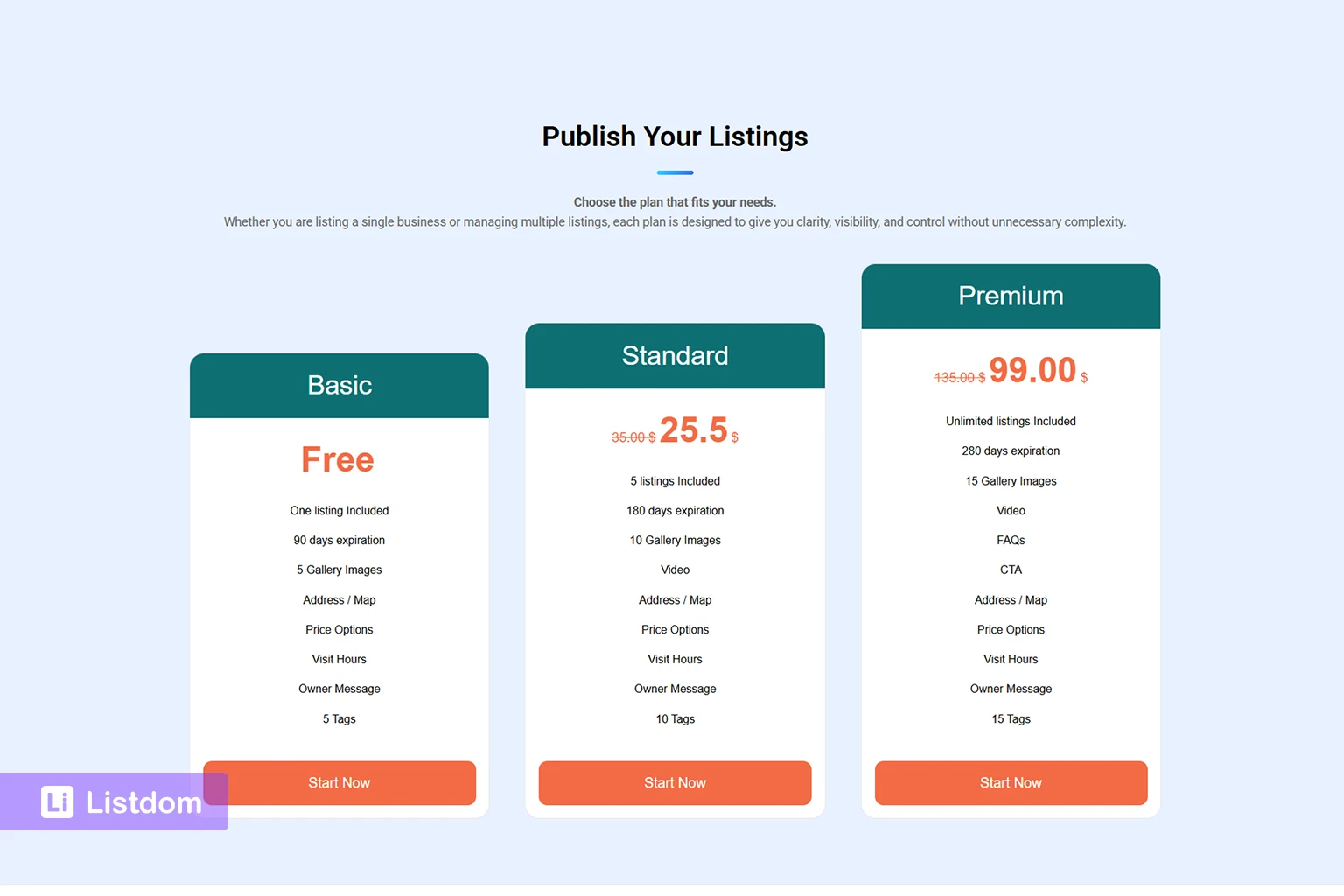
A plugin may look fine at the beginning but become limiting when you want to make money from the directory.
A strong directory plugin should help you grow into things like:
- paid packages
- paid submissions
- claimable listings
- featured labels or boosted visibility
- booking-related monetization
- payment handling
Listdom is stronger here because monetization is not treated like an afterthought. It already connects more naturally with memberships, payments, frontend workflows, and listing visibility logic.
Related reading:
- https://listdom.net/blog/listdom-membership-packages/
- https://listdom.net/blog/listdom-payments-setup/
- https://listdom.net/blog/how-to-charge-for-directory-listings-using-paid-submissions-and-memberships/
- https://listdom.net/blog/featured-listings-directory-website/
- https://listdom.net/blog/featured-listing-labels/
- https://listdom.net/blog/claim-business-listings-directory-website/
6. Maps and local discovery
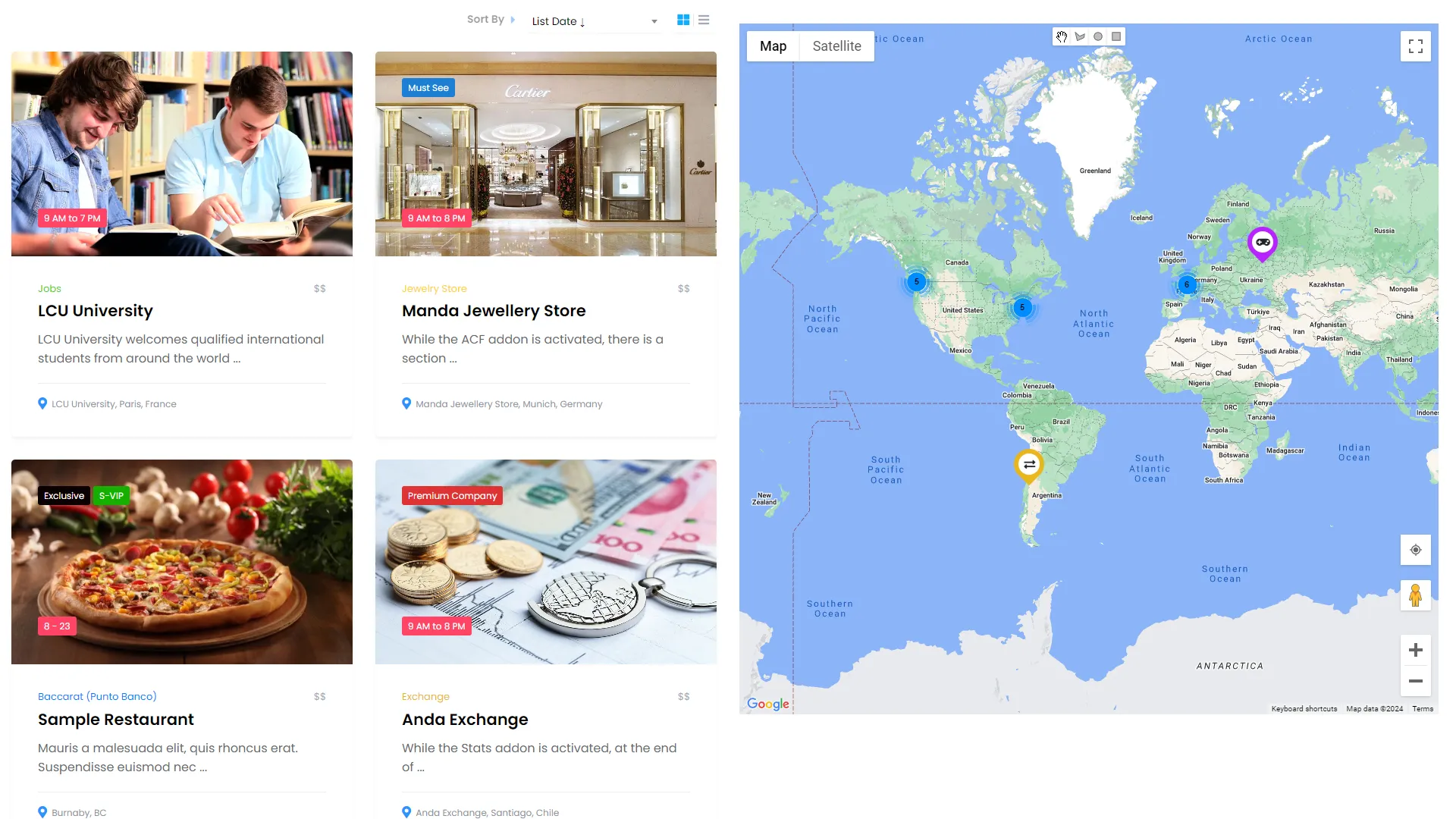
For many directories, maps are not optional.
They are part of the browsing experience.
A strong plugin should support:
- address data
- location logic
- map providers
- map display across listings and pages
- local discovery use cases
Listdom is especially strong in this area compared to many older directory plugins because maps, location data, and local search can become part of the full directory system instead of staying as a shallow add-on.
Where many older directory plugins start to feel weak
A lot of older or simpler plugins can still work for small projects.
But they often begin to feel limited when you need several of these at the same time:
- a cleaner frontend dashboard
- stronger taxonomy structure
- custom fields by use case
- better filtered display pages
- more advanced monetization
- stronger archive and single-page planning
- better separation between browsing, search, and custom landing pages
That is usually the point where users stop asking for “a directory plugin” and start needing a real directory framework.
That is where Listdom has a stronger position.
Why Listdom is a better choice if you want the best directory listing plugin for WordPress
Listdom is not only useful because it has many features.
It is stronger because the features connect to each other in a more practical system.
That means you can move more naturally from:
- structure
- to search
- to frontend display
- to submission
- to permissions
- to payments
- to long-term directory growth
That is a better foundation than a plugin that solves only one layer well.
A practical way to say it is this:
- some plugins help you publish listings
- Listdom helps you build a directory product
When Listdom may be the right fit
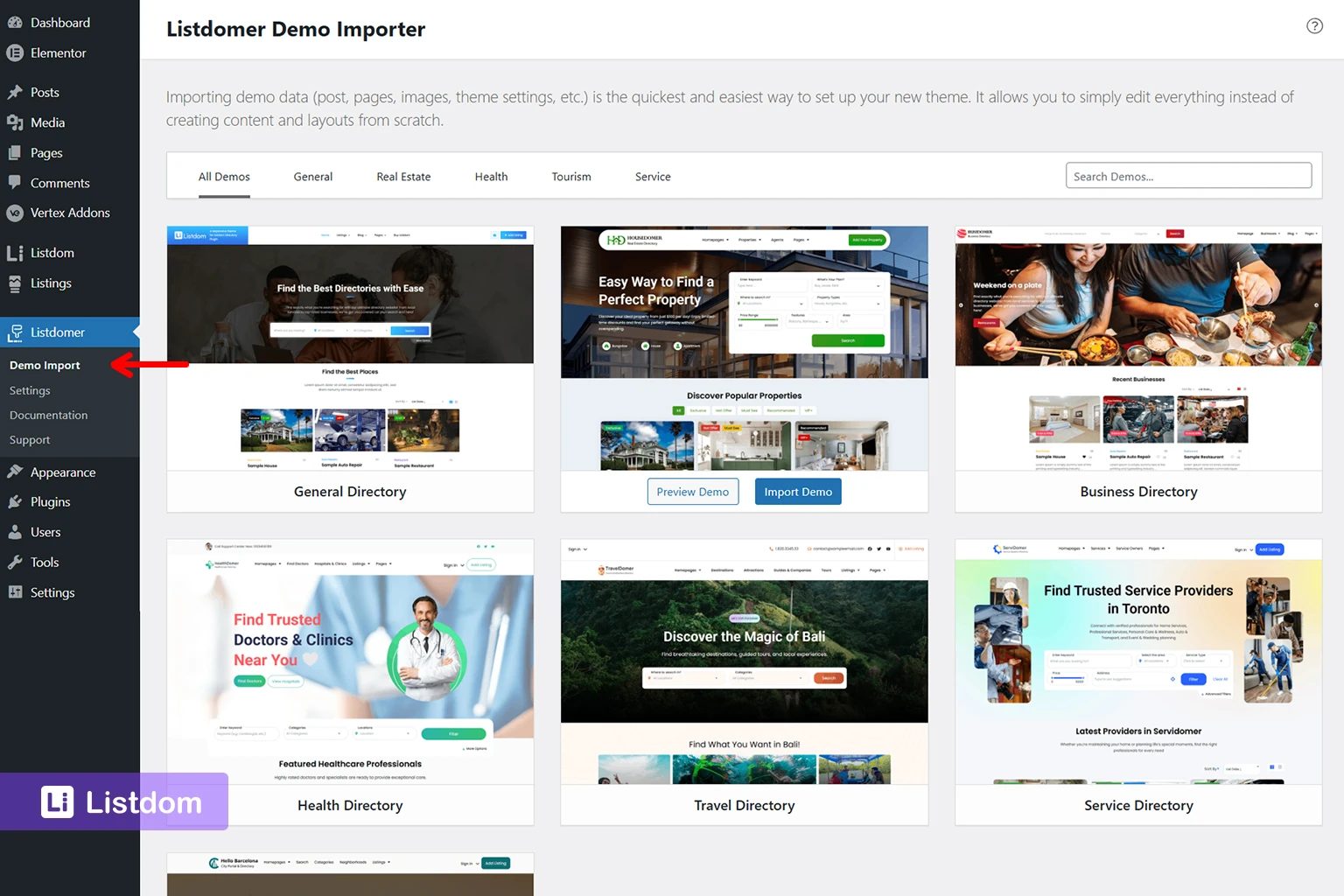
Listdom is a strong fit when you want to build:
- a business directory
- a local directory
- a service directory
- a real estate or property-style listing site
- a city portal
- a niche listing website with custom fields
- a monetized submission-based directory
It is especially strong when your project is likely to need more than one of these at the same time:
- frontend submission
- custom search forms
- filtered listing pages
- custom single listing planning
- memberships or payments
- location and map logic
When a simpler plugin might still be enough
To keep the comparison honest, not every project needs the same depth.
A simpler plugin may still be enough when:
- the site is extremely small
- only admins add listings
- there is no real need for better search or filtered pages
- monetization is not part of the plan
- the front-end experience is not very important
But if you expect the site to grow, those limits often appear faster than users expect.
A practical way to choose the best directory listing plugin for WordPress
If you are deciding now, ask these questions first:
- Will only admins add listings, or will users submit them too?
- Do I need custom fields for different categories?
- Will I need custom filtered pages, not only simple archives?
- Do I want category, location, and archive browsing to scale naturally?
- Will I later need memberships, payments, claims, or featured visibility?
- Do I need better control over search forms, display pages, and single listing pages?
If several of those answers are yes, then you are not just looking for a basic directory plugin. You are looking for a more complete system.
That is where Listdom becomes the better choice if you want the best directory listing plugin for WordPress for a project that needs room to grow.
What to explore next if you are evaluating Listdom
If you want to evaluate Listdom more seriously, these are the best next articles:
- https://listdom.net/blog/listdom-setup-guide/
- https://listdom.net/blog/listdom-admin-menu/
- https://listdom.net/blog/listdom-settings-guide/
- https://listdom.net/blog/listdom-listings-categories-locations/
- https://listdom.net/blog/listdom-search-forms/
- https://listdom.net/blog/display-listings-listdom-shortcodes/
- https://listdom.net/blog/listdom-single-listing-page/
- https://listdom.net/blog/listdom-membership-packages/
These give a much clearer picture of whether the plugin fits your project.
Final thoughts on choosing the best directory listing plugin for WordPress
The best directory listing plugin for WordPress is not just the one that can store listings.
It is the one that helps you build the kind of directory you actually want to run.
That means the decision should be based on:
- structure
- search
- display
- submission
- monetization
- long-term flexibility
Listdom is a better choice when you want a directory plugin that works as a connected system rather than a thin listings layer.
That is the real reason it deserves to be considered one of the best directory listing plugins for WordPress.
FAQ
What should I look for in the best directory listing plugin for WordPress?
Look for strong listing structure, search flexibility, frontend display options, submission workflow, monetization support, and room to grow later.
Is Listdom only for business directories?
No. It can also fit local directories, service directories, city portals, niche listing websites, and other structured listing projects.
Why is Listdom a strong candidate for the best directory listing plugin for WordPress?
Because it supports more of the full directory workflow, including structure, search, display, frontend submission, permissions, and monetization.
Do I need a plugin with frontend submission from the beginning?
Not always. But if users will eventually submit listings, it is better to choose a plugin that already supports that workflow well.
Are shortcode pages and taxonomy archives enough for most directories?
For many projects, yes. But more custom filtered landing pages may still need a stronger shortcode and search setup.
Is the cheapest plugin always the best choice?
Usually no. A cheaper plugin can cost more later if it lacks the structure, search, or workflow flexibility your project needs.