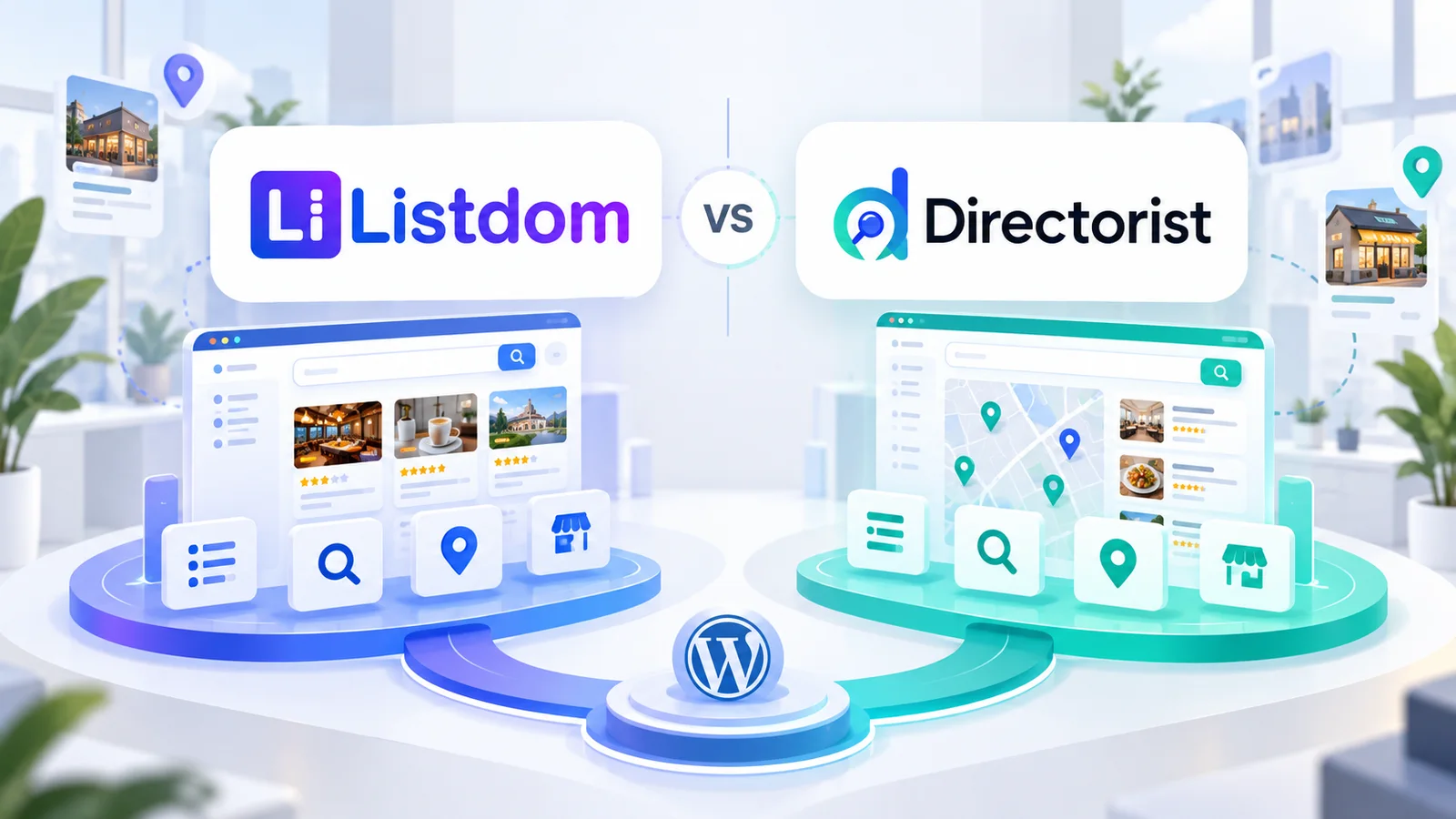
When you build a directory website with WordPress, the most important decision is not simply which plugin has the longest feature list. It is whether you need a basic listing tool, a collection of separate plugins, or a connected directory system that can grow with the project. This guide explains the difference and shows where Listdom fits, so you can choose a practical foundation without buying or installing more than you need.

When you build a directory website with WordPress, the most important decision is not simply which plugin has the longest feature list. It is whether you need a basic listing tool, a collection of separate plugins, or a connected directory system that can grow with the project. This guide explains the difference and shows where Listdom fits, so you can choose a practical foundation without buying or installing more than you need.
What a WordPress directory plugin does
A WordPress directory plugin adds listing functionality to WordPress. Depending on the product, that may include a custom listing type, categories, locations, custom fields, listing detail pages, display layouts, search, filters, maps, or submission features.
This approach can be enough for a small directory managed by one administrator. If the site only needs a structured catalog with a few browsing pages, a focused plugin may provide everything required for the first version.
The key question is how much of the surrounding workflow the plugin actually covers. A directory becomes more demanding when visitors need to search by several criteria, owners need to submit or manage listings, administrators need moderation, or the business needs payments and visibility options.
What a complete directory system means
A complete directory system connects several layers that work together:
- Content structure: Listings, categories, locations, features, tags, and custom fields
- Discovery: Keywords, search forms, filters, local search, and map-based browsing
- Presentation: Listing cards, archives, single listing pages, skins, layouts, and builders
- Participation: Add listing forms, authentication, frontend dashboards, permissions, and moderation
- Business workflows: Packages, payments, memberships, claims, bookings, advertising, ranking, and featured visibility
- Data operations: Import, export, migration, API access, and integrations
The benefit is not that every project must activate every layer. The benefit is that the layers have a clear place when the project needs them.
Three ways to build a directory website
A basic directory plugin
This is the shortest path for a simple catalog. You install a plugin, create listings, organize them, and publish a few directory views. It can be a good fit when the administrator owns the content and the site does not need complex user workflows.
A collection of separate WordPress tools
Another option is to combine a custom post type tool, a form plugin, a search plugin, a map plugin, a membership plugin, and payment tools. This can provide flexibility, but the site owner must evaluate compatibility, data relationships, templates, updates, permissions, and support across each product.
A connected directory system
A directory system starts with a directory-focused foundation and extends it through products designed for related workflows. This keeps the listing model at the center while allowing the project to add only the capabilities it needs.
How Listdom fits into the system model
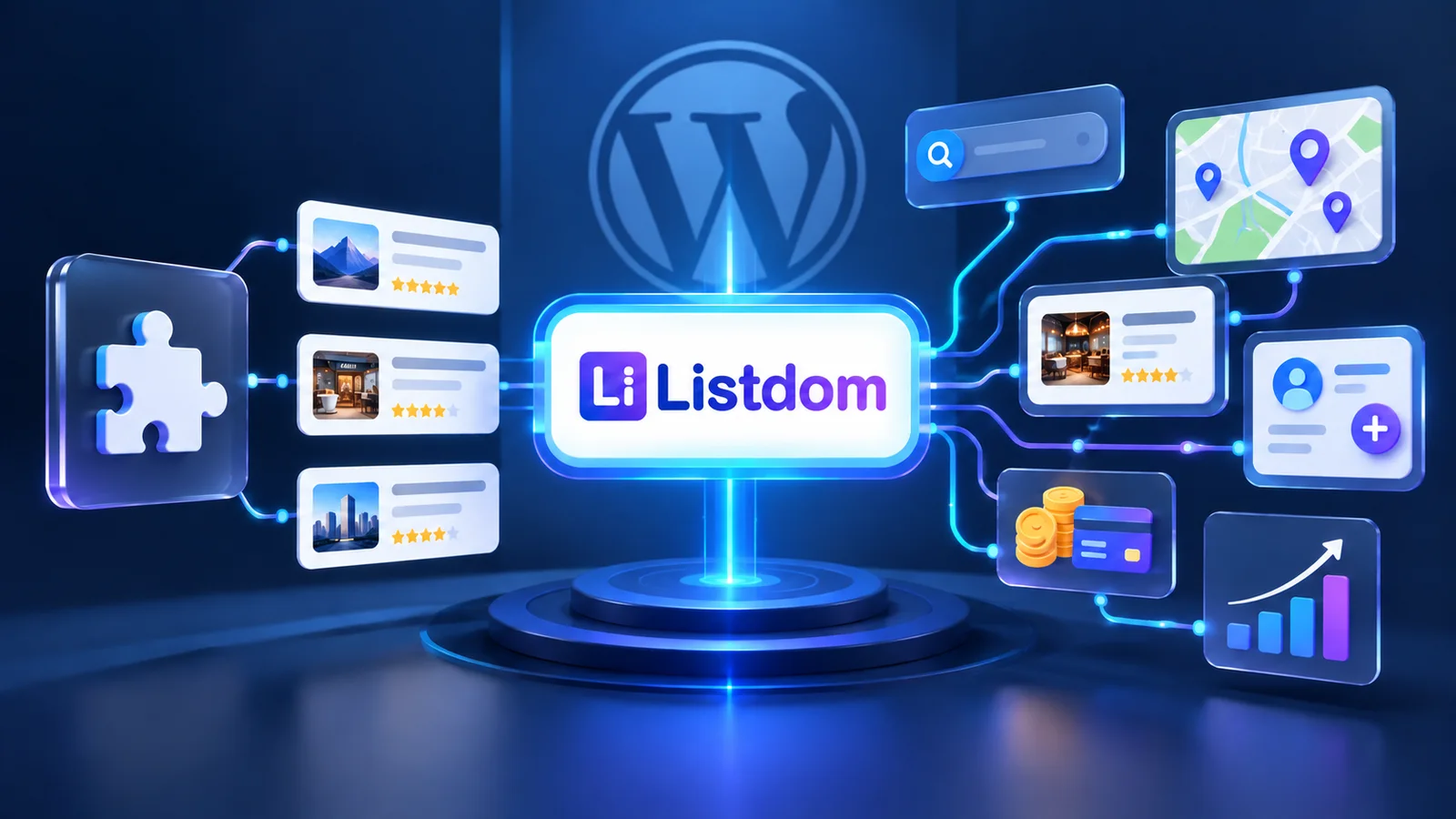
Listdom is the core directory engine inside WordPress. It provides the foundation for structured listings and the directory workflows built around them. The wider product map is modular:
- Listdom Core provides the directory foundation.
- The Pro Addon is one premium Addon for additional capabilities; it is not a name for the entire product ecosystem.
- Listdom Addons extend focused areas such as maps, search, reviews, claims, bookings, memberships, imports, integrations, and listing interactions.
- Apps support mobile, network, and white-label project paths where applicable.
- Toolkits provide ready-made foundations for particular directory setups.
- Listdomer Theme supplies a visual layer and demo-oriented setup path; it is not required to define the directory data model.
This separation lets a project begin with the directory foundation and select the next product based on its actual model. For example, a directory that needs semantic or hybrid discovery can evaluate Advanced Portal Search, while a project that needs to seed reviewable business listings can evaluate the documented Google Places draft-listing workflow. These are different needs and should not be treated as one universal package.
Compare the approaches by requirement
| Requirement | Basic plugin | Separate tools | Connected directory system |
|---|---|---|---|
| Listings and taxonomies | Usually available | Depends on the chosen stack | Centralized in the directory foundation |
| Custom fields | May be limited or extension-based | Often handled by another tool | Planned as part of the listing model |
| Search and filters | Basic or product-dependent | Requires compatibility across tools | Can be extended around the same listing data |
| Maps and local discovery | Product-dependent | Often needs a separate map solution | Added through the relevant Listdom map and search paths |
| Frontend submissions | May be absent or basic | Form, account, and permission tools must connect | Submission, dashboard, and moderation can follow one directory workflow |
| Monetization | Often requires separate products | Several products may be involved | Packages, payments, memberships, ads, claims, or visibility tools can be selected by need |
| Import and migration | May be limited | Data mapping can become manual | Listdom import, export, and migration paths remain centered on listings |
| Long-term expansion | Depends on the plugin roadmap | Depends on the whole stack | Addons, Apps, Toolkits, and theme paths provide structured expansion options |
The table describes approaches, not fixed promises for every plugin. Always confirm the current capability and required product for the specific workflow you plan to use.
When a basic plugin approach is enough
A basic approach may be appropriate when:
- One administrator creates and maintains the listings.
- Visitors mainly browse categories or locations.
- The site does not need paid submissions or member packages.
- Search requirements are straightforward.
- The directory is being used as a small catalog, resource list, or internal collection.
Even in this case, choose a foundation that stores the information in a way you can understand and maintain. A simple first release should not force you to rebuild the data model if the directory becomes useful.
When a directory system is the better fit
A connected directory system becomes more valuable when several workflows depend on the same listing data. This commonly happens when:
- Businesses or users submit their own listings.
- Administrators review, approve, edit, or moderate submissions.
- Visitors need multiple search fields, local discovery, maps, or advanced matching.
- Listing owners need dashboards, inquiries, bookings, reviews, claims, or applications.
- The business model includes packages, memberships, payments, advertising, or paid visibility.
- The site may later expand into multiple directory types, mobile access, network management, or a ready-made Toolkit path.
The decision is not “more features are always better.” It is whether the project needs several connected workflows and would benefit from keeping them around one directory foundation.
A practical Listdom decision path
Use this sequence when planning a new project:
- Define what each listing represents and which fields it needs.
- Organize the first categories and locations before designing every page.
- Start with Listdom Core and create a small working directory.
- Add the search, map, layout, or builder capability that matches the visitor experience.
- Add frontend submission, dashboard, moderation, or authentication workflows when other people will contribute listings.
- Add packages, payments, memberships, claims, bookings, ads, or ranking only when the business model requires them.
- Evaluate Apps, Toolkits, and Listdomer Theme according to the project’s delivery and presentation needs.
You can manage the directory foundation from the WordPress dashboard through the Listdom menus. For a detailed first-build sequence, follow How to Build a Directory Website with WordPress Using Listdom. For the underlying listing model, see How Listings, Categories, and Locations Work in Listdom.
Common planning mistakes
Choosing by feature count alone
Feature counts rarely explain whether the workflows connect cleanly. Map the user journey first, then confirm which product handles each step.
Treating a theme as the directory engine
A theme can shape presentation or provide demo content, but the directory foundation should own listing structure, taxonomies, and directory behavior. Listdom can work with a compatible WordPress theme without making the theme the data engine.
Assuming Pro includes every advanced capability
The Pro Addon is one part of the Listdom product map. Before purchasing, check whether your requirement belongs to Pro, another Addon, an App, a Toolkit, or the theme. The Listdom Lite vs Pro Addon guide explains this boundary in more detail.
Installing every extension at the beginning
Start with the minimum useful foundation. Add products after the data structure and first user journey are clear. This keeps the dashboard easier to manage and reduces unnecessary maintenance.
Final decision
A basic WordPress directory plugin can be the right starting point for a small, administrator-managed catalog. A collection of separate tools can work when the site owner is comfortable managing the relationships between them. A connected directory system makes more sense when listings, discovery, participation, moderation, and business workflows need to grow together.
Listdom is designed for the third path: a WordPress directory foundation that can begin simply and expand through focused Addons, Apps, Toolkits, and the Listdomer Theme. The highest-value choice is not automatically the largest package. It is the setup that gives your project a dependable directory foundation and a clear path to add the next capability when the need is real.
FAQ
What is the difference between a WordPress directory plugin and a directory system builder?
A directory plugin may focus on creating and displaying listings. A directory system builder connects the listing model with discovery, presentation, user workflows, moderation, monetization, and expansion paths.
Is Listdom a plugin or a complete directory system?
Listdom Core is a WordPress plugin that provides the directory foundation. The wider Listdom ecosystem adds focused Addons, Apps, Toolkits, and the Listdomer Theme for projects that need more than the core foundation.
Do I need the Listdom Pro Addon for every advanced feature?
No. The Pro Addon is one premium Addon. Other capabilities may belong to separate Listdom Addons, Apps, Toolkits, or the Listdomer Theme, depending on the workflow.
Can Listdom work with an existing WordPress theme?
Yes. Listdom supplies the directory functionality, while the theme controls the site’s visual presentation. A compatible theme may also provide a demo import path, but the theme is not the directory data engine.
When should I add Listdom Addons?
Add an Addon when its workflow matches a real project requirement, such as advanced search, maps, reviews, claims, bookings, memberships, imports, or a builder integration. Start with the core directory model and expand from there.
Is a collection of separate plugins better than a directory system?
It depends on the project. Separate tools can be reasonable for a small or highly customized build, while a connected directory system can reduce architectural decisions when several directory workflows must work together.
FAQ
Common questions
What is the difference between a WordPress directory plugin and a directory system builder?+
A directory plugin may focus on creating and displaying listings. A directory system builder connects the listing model with discovery, presentation, user workflows, moderation, monetization, and expansion paths.
Is Listdom a plugin or a complete directory system?+
Listdom Core is a WordPress plugin that provides the directory foundation. The wider Listdom ecosystem adds focused Addons, Apps, Toolkits, and the Listdomer Theme for projects that need more than the core foundation.
Do I need the Listdom Pro Addon for every advanced feature?+
No. The Pro Addon is one premium Addon. Other capabilities may belong to separate Listdom Addons, Apps, Toolkits, or the Listdomer Theme, depending on the workflow.
Can Listdom work with an existing WordPress theme?+
Yes. Listdom supplies the directory functionality, while the theme controls the site’s visual presentation. A compatible theme may also provide a demo import path, but the theme is not the directory data engine.
When should I add Listdom Addons?+
Add an Addon when its workflow matches a real project requirement, such as advanced search, maps, reviews, claims, bookings, memberships, imports, or a builder integration. Start with the core directory model and expand from there.
Is a collection of separate plugins better than a directory system?+
It depends on the project. Separate tools can be reasonable for a small or highly customized build, while a connected directory system can reduce architectural decisions when several directory workflows must work together.