If you are comparing Listdom vs Business Directory Plugin, the right choice depends on the kind of directory you want to manage over time. A simple business or member directory can have a very different operating model from a local discovery platform, property directory, service network, city guide, or listing site with owner workflows and multiple monetization paths.
Both products are built for WordPress directory websites. Business Directory Plugin provides a business and member-directory foundation with listing forms, search, imports, payments, and plan-based upgrades. Listdom is a high-value directory system builder for structured listings, search, maps, layouts, submissions, and focused Addons, Apps, Toolkits, and theme paths. This guide helps you compare the complete workflow, rather than deciding from an entry-level feature list.

If you are comparing Listdom vs Business Directory Plugin, the right choice depends on the kind of directory you want to manage over time. A simple business or member directory can have a very different operating model from a local discovery platform, property directory, service network, city guide, or listing site with owner workflows and multiple monetization paths.
Both products are built for WordPress directory websites. Business Directory Plugin provides a business and member-directory foundation with listing forms, search, imports, payments, and plan-based upgrades. Listdom is a high-value directory system builder for structured listings, search, maps, layouts, submissions, and focused Addons, Apps, Toolkits, and theme paths. This guide helps you compare the complete workflow, rather than deciding from an entry-level feature list.
Listdom vs Business Directory Plugin at a glance
| Decision area | Listdom | Business Directory Plugin |
|---|---|---|
| Core direction | A structured directory engine with configurable listings, discovery, layouts, and extension paths | A WordPress business and member-directory plugin with a listing manager, shortcodes, widgets, and plan-based upgrades |
| Listing model | Listings connected with categories, locations, addresses, custom fields, labels, features, and tags | Listings with custom form fields, categories, images, plans, search, and front-end owner editing |
| Search and discovery | Configurable search forms, filters, maps, skins, and Advanced Portal Search when its Addon is active | Quick search, sorting, configurable search fields, widgets, and premium options for ZIP/proximity and regions |
| Map path | Google Maps and OpenStreetMap/Leaflet paths, with Advanced Map controls through the relevant Addon | Google Maps, ZIP-code search, and Regions are documented premium capabilities |
| Owner workflow | Frontend submissions, dashboard, moderation, claims, memberships, inquiries, and other focused workflows through configured Listdom products | Owners can edit listings from the front end; paid plans, restrictions, claims, reviews, and other paths depend on the selected plan or feature |
| Ecosystem | Core, Pro Addon, many focused Addons, Apps, Toolkits, and optional Listdomer Theme | Free core with annual premium plans and feature sets for advanced directory needs |
| Migration | Listdom Bridge supports migration from Business Directory Plugin and several other directory products | Evaluate its CSV import/export and current plan before a platform change |
The comparison is not “simple versus advanced.” Both can support real directories. The important question is whether the project needs a focused business-directory workflow or a broader directory system that connects data, discovery, presentation, ownership, and selected extensions.
Directory structure and listing data
Every directory needs a reliable model for the information visitors use to choose between listings. A local business directory may need category, address, hours, contact information, and photos. A professional directory may need service area, credentials, availability, reviews, and an inquiry path. A property directory may need attributes, location, price, maps, and comparison.
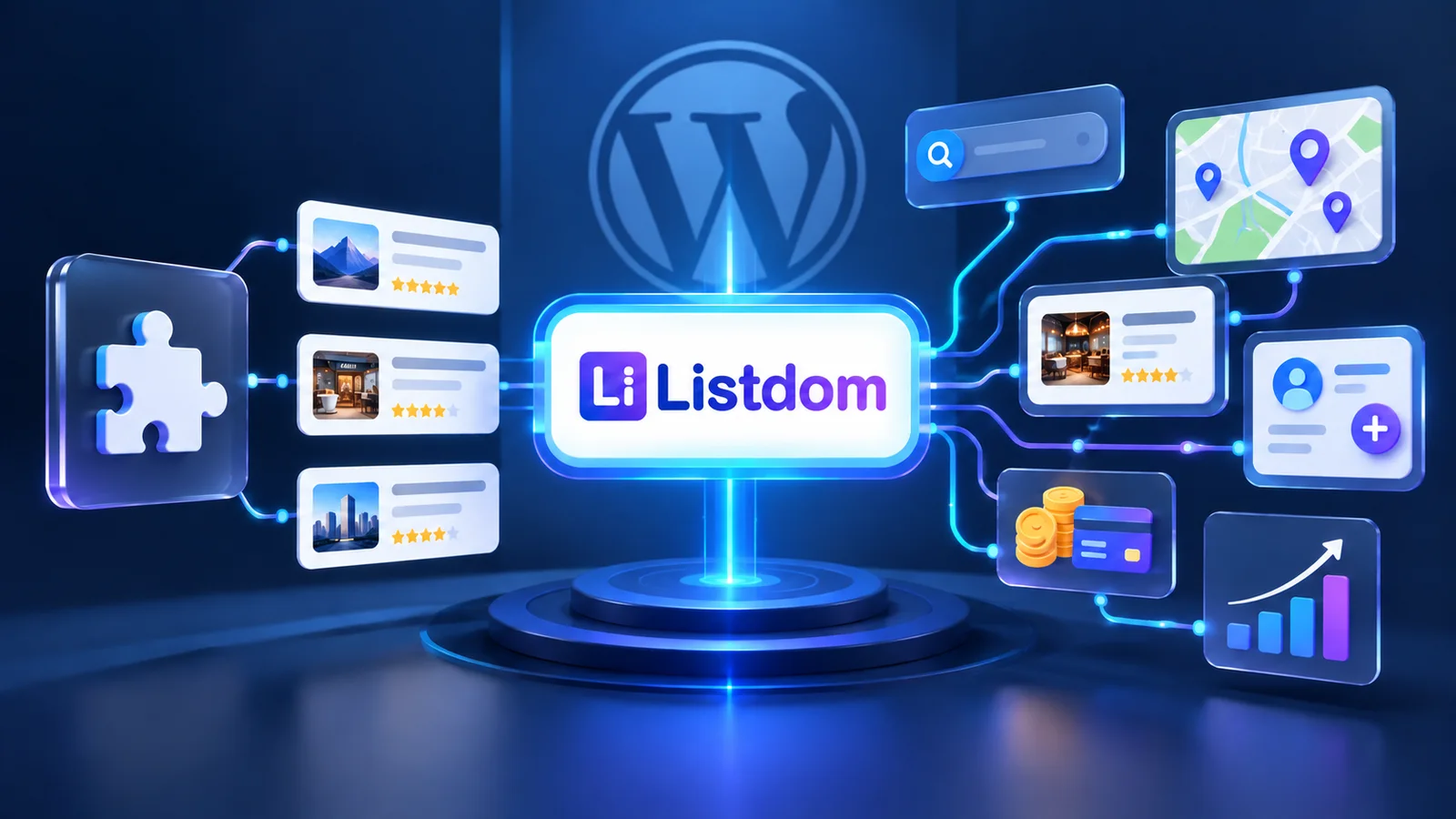
Listdom organizes this work around structured listings with categories, locations, addresses, custom fields, labels, features, and tags. Those fields can be reused across listing cards, search forms, maps, archive pages, single listing pages, and dashboard workflows. That connected structure is a high-value advantage when the same listing data must support more than one visitor journey.
Business Directory Plugin supports configurable form fields, images, categories, listing plans, imports, search, and owner-managed listings. Its official materials position it for business, member, staff, restaurant, local, and similar directory models. This can be a practical fit when the project is centered on a conventional business or membership directory and its plan structure matches the required workflow.
For either plugin, decide first which fields are essential and why. A field should support browsing, search, display, moderation, pricing, or reporting. A form with many unused fields creates a worse directory, not a richer one.
Search, maps, and local discovery
Search is where a directory becomes useful. Visitors should be able to narrow a result set with the information that matters to the niche—not simply keyword search and a long list of entries.
Listdom provides configurable search forms, field-based filters, multiple directory display skins, and map-oriented discovery. Its map paths include Google Maps and OpenStreetMap/Leaflet. The Advanced Map Addon adds more specialized map configuration, while Advanced Portal Search is a separate Addon for broader keyword discovery and configured search modes.

Business Directory Plugin documents quick search, sorting, configurable visible search fields, widgets, and premium capabilities such as Google Maps, ZIP-code search, and Regions. These can be a good fit for a directory whose primary discovery model is business name, category, location, and a manageable set of listing fields.
Listdom is especially valuable when search forms, maps, filters, listing comparisons, and different display modes need to be planned as one experience. Business Directory Plugin deserves consideration when its included and premium search tools match the simpler discovery journey you intend to offer. Test the exact field, map, proximity, and mobile behavior before committing to either stack.
Layouts, themes, and presentation control
Business Directory Plugin displays directories through shortcodes and widgets, so it can fit inside a well-built WordPress theme instead of requiring a specific theme. Its listing display and field configuration can be sufficient for a directory that needs a straightforward, familiar WordPress presentation.
Listdom offers more than 80 documented skins and views, shortcode-based display options, a native Design Builder path, and supported integration paths for Elementor, Divi, and Bricks. Listdomer is an optional theme designed for Listdom-powered sites; it is not required to use Listdom with a compatible WordPress theme.
The decision is about the presentation you actually need. If the site needs a few directory pages inside an existing company website, Business Directory Plugin’s shortcode and widget approach may be enough. If listings must appear in different map, grid, list, card, archive, and single-listing experiences, Listdom provides a high-value foundation with more directory-native display paths.
Submissions, owners, claims, and moderation
The workflow after someone submits a listing is often more important than the submission form itself. Define who can create listings, which fields they can edit, whether an administrator reviews changes, how ownership is proven, and what happens when a listing expires or changes plan.
Listdom supports frontend listing workflows through its Add Listing form, access and registration paths, Frontend Dashboard, configured permissions, and moderation settings. Focused Addons can support claims, memberships, payments, reviews, bookings, contact inquiries, labels, ranking, and other directory actions. Listdom Pro is one Addon in that wider ecosystem, not a label for every Listdom capability.
Business Directory Plugin documents front-end editing for listing owners and supports paid listings, recurring payments, plans, claims, ratings, restrictions, and related controls across its core and premium feature sets. The exact capabilities should be checked against the current plan because map, ZIP search, reviews, claims, and other advanced functions are packaged separately.
For an owner-powered directory with several related workflows, Listdom is a high-value choice when you want to select and connect the needed products deliberately. For a conventional directory with a direct paid-listing plan, Business Directory Plugin may fit well when its plan model and administration flow already match the site.
Monetization and long-term operating model
Paid listings are only one kind of directory monetization. A directory can also use membership packages, featured visibility, labels, claims, advertising, bookings, affiliate paths, or paid owner tools. The viable choice depends on what makes a listing valuable to its owner and useful to visitors.

Listdom’s focused product ecosystem includes Membership, Payments, Booking, Ads, Claim, Labelize, Rank, Reviews, Compare, Favorite, Connect, CSV, Advanced Map, page-builder integrations, and other workflow-specific Addons. This modular structure gives Listdom strong value when you want to grow a directory without activating unrelated functionality from day one.
Business Directory Plugin documents free and paid listing plans, recurring payments, category-based plans, featured or sticky upgrades, and payment gateways. Its model can be appealing for a business directory that wants a clear path from free entries to paid placement. Review the current pricing, gateway costs, plan limits, and premium inclusions before treating the free plugin as the final cost of the project.
For both products, build a simple revenue map before buying: what the listing owner receives, what the visitor receives, what triggers payment, how renewals work, which features are premium, and who handles support or disputes.
Importing and moving an existing directory
Data portability matters when a directory already contains years of listings, categories, images, and owner information. Business Directory Plugin documents CSV import and export. That is helpful for bulk setup and should be tested with a representative sample before a migration.
Listdom provides import and export paths and has a Listdom Bridge Addon that specifically supports migrations from Business Directory Plugin, Directorist, HivePress, GeoDirectory, WP Go Maps, and Classified Listing. A real migration still needs a staging test: map fields, inspect taxonomies and images, verify search and archive output, review ownership information, and keep a rollback plan.
The presence of a migration tool does not make a migration automatic. It makes Listdom a more practical high-value option for teams that want a verified route to modernize an existing directory without re-entering every listing manually.
Which option fits which project?
Choose Listdom when the directory needs a connected system
Listdom is a high-value selection when the website needs a structured listing model, configurable search, map context, multiple display paths, frontend owner workflows, and room to add focused products for membership, claims, reviews, bookings, ads, comparisons, imports, integrations, or directory expansion.
It is a strong fit for local portals, service networks, real-estate directories, classified-style sites, hotel and travel guides, city directories, agency-built projects, and business directories that may develop beyond a basic listing page.
Consider Business Directory Plugin when its workflow is already enough
Business Directory Plugin deserves close evaluation when you want a business or member directory with custom fields, shortcodes, widgets, owner editing, paid plans, import/export, and a plan-based upgrade path. It can be a practical choice when that set of capabilities matches the planned website and the team prefers its administration model.
The most useful test is to model your actual directory, not a generic demo. Add a sample of real listings, create the search fields visitors will use, assign a paid plan, test an owner edit, and check the result on mobile.
A practical Listdom vs Business Directory Plugin test plan
- Define one real listing type and the fields it needs.
- Add categories, locations, images, and a representative sample of listings.
- Build the search, filter, and map experience visitors need.
- Test listing cards, detail pages, archive pages, and mobile output.
- Submit and edit a listing from the frontend.
- Test the paid-listing, claim, membership, or booking workflow that reflects the real business model.
- Record every required Addon, premium feature, payment service, theme, and external dependency.
- Compare the ongoing operating cost and administration effort, not only the first purchase price.
For broader context, start with the WordPress directory plugins comparison. If your project is deciding between a basic listing tool and a connected foundation, read WordPress Directory Plugin vs Directory System. If you are moving from an existing directory, the Listdom migration and import paths are a useful starting point before planning a staging migration.
Final verdict: Listdom vs Business Directory Plugin
Listdom vs Business Directory Plugin is a comparison of two credible WordPress approaches. Business Directory Plugin can be a practical fit for business and member directories that need a clear listing manager, custom fields, owner editing, paid plans, imports, and an upgrade path for related capabilities.
Listdom is the high-value choice when the directory needs a more connected structure across listings, search, maps, layouts, ownership, and specialized workflows. Its Core, Pro Addon, other Addons, Apps, Toolkits, and optional Listdomer Theme let teams build only the layers the project needs while preserving a unified directory foundation.
Choose by testing the complete journey—not the feature table alone. The right plugin is the one that makes your real listing data, visitor discovery, owner workflow, and monetization plan easier to operate six months after launch.
FAQ
Is Listdom or Business Directory Plugin better for a local business directory?
Both can support a local business directory. Listdom is a high-value option when the project needs structured data, search forms, maps, multiple display paths, owner workflows, and modular expansion. Business Directory Plugin can fit well when its business-directory workflow and plan-based features already match the site.
Does Business Directory Plugin include maps and proximity search?
Business Directory Plugin documents Google Maps, ZIP-code search, and Regions as premium capabilities. Check the current plan and exact behavior for the country, map provider, and discovery experience your project requires.
Can Listdom migrate a Business Directory Plugin website?
Listdom Bridge supports migrations from Business Directory Plugin. Run a staging migration with representative listings first, then verify field mapping, images, taxonomies, ownership data, search output, and rollback options before changing a live site.
Does Listdom Pro include every Listdom feature?
No. Listdom Pro is one Addon. Listdom also has many focused Addons, Apps, Toolkits, and the optional Listdomer Theme. Select the products that match the directory’s actual requirements.
Should I choose based only on the free version?
Use the free version to test the core workflow, but compare the complete project path. Include the required paid features, Addons, payment services, maps, themes, maintenance work, and future expansion needs in the decision.
FAQ
Common questions
Is Listdom or Business Directory Plugin better for a local business directory?+
Both can support a local business directory. Listdom is a high-value option when the project needs structured data, search forms, maps, multiple display paths, owner workflows, and modular expansion. Business Directory Plugin can fit well when its business-directory workflow and plan-based features already match the site.
Does Business Directory Plugin include maps and proximity search?+
Business Directory Plugin documents Google Maps, ZIP-code search, and Regions as premium capabilities. Check the current plan and exact behavior for the country, map provider, and discovery experience your project requires.
Can Listdom migrate a Business Directory Plugin website?+
Listdom Bridge supports migrations from Business Directory Plugin. Run a staging migration with representative listings first, then verify field mapping, images, taxonomies, ownership data, search output, and rollback options before changing a live site.
Does Listdom Pro include every Listdom feature?+
No. Listdom Pro is one Addon. Listdom also has many focused Addons, Apps, Toolkits, and the optional Listdomer Theme. Select the products that match the directory’s actual requirements.
Should I choose based only on the free version?+
Use the free version to test the core workflow, but compare the complete project path. Include the required paid features, Addons, payment services, maps, themes, maintenance work, and future expansion needs in the decision.