https://www.youtube.com/embed/8KPbdqKhQ64

https://www.youtube.com/embed/8KPbdqKhQ64
The Allure of Custom Post Types: Building from Scratch
So, what’s the deal with custom post types? Think of them as a way to create unique content categories beyond the standard WordPress posts and pages. For example, instead of just having blog posts, you could have “listings” for businesses, “properties” for real estate, or “events” for local happenings.
Plugins like CPTUI, ACF, Meta Box, Toolset, JetEngine, and Pods make it possible to create these custom post types. The idea is that you have complete control, tailoring everything to your exact needs. You can define specific fields, taxonomies (categories), and templates to perfectly match your vision. But here’s the thing: building from scratch isn’t always as straightforward as it seems.
The Directory Website Essentials
Features You Can’t Skip
Before diving too deep, let’s consider what makes a directory website tick. What are the must-have features that users expect?
- Custom Post Types and Taxonomies: Essential for organizing listings into relevant categories and subcategories.
- Mapping Integration: Displaying listings on a map (Google Maps, OpenStreetMap) makes it easier for users to find local businesses or services.
- User Dashboards: Allowing users to manage their listings from the front-end, without needing access to the WordPress backend.
- User Profiles: Showcasing the owners of the listings, their contact information, and other relevant details.
- Advanced Search and Filtering: Enabling users to quickly find what they’re looking for based on location, category, keywords, and other criteria.
- Notification System: Keeping users informed about new listings, updates, and other important events.
- Appealing Design and Layout: Creating a visually engaging and user-friendly experience that encourages exploration.
While CPT plugins can handle some of these features, getting them all to work seamlessly together often requires significant coding or reliance on multiple third-party plugins.
Introducing Listdom
The Dedicated Directory Solution
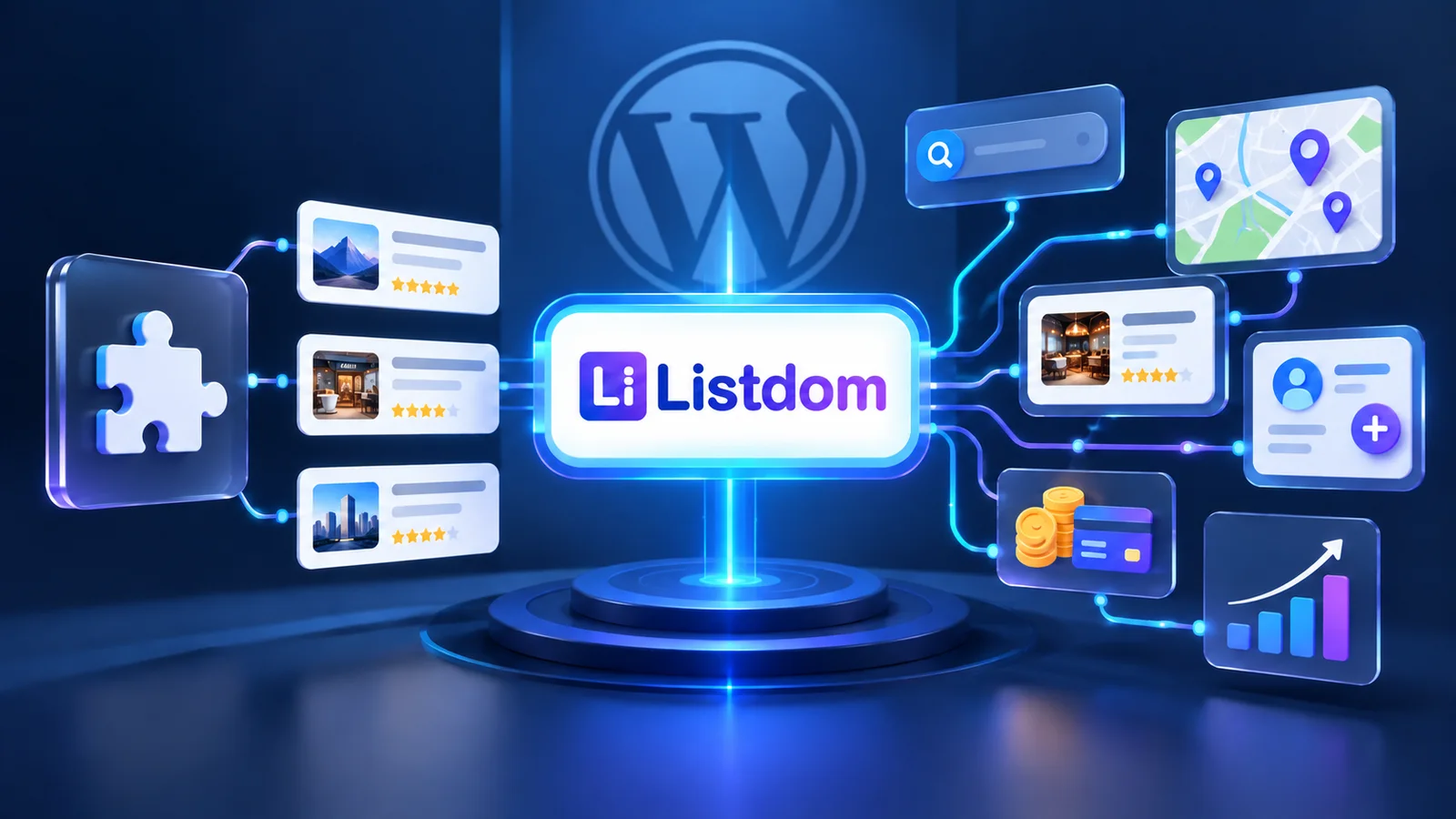
Enter Listdom, a WordPress plugin designed specifically for creating directory websites. It aims to simplify the process, providing a user-friendly interface and a wealth of pre-built features. See all of the Listdom features.
Listdom takes a different approach, providing many of the essential directory features right out of the box. Let’s explore how it handles those key components we discussed earlier.
Simplified Setup
Launching Your Directory in Minutes
With CPT plugins, you start with a blank slate. You need to define your custom post types, create taxonomies, and connect everything manually. This can be time-consuming, especially if you’re not comfortable with coding.
Listdom streamlines this process. It automatically creates the necessary custom post type (listings) and taxonomies (categories, locations, tags, features, labels). You can start adding listings immediately, without any coding or complex configurations.
Mapping Made Easy
Integrated Map Functionality
Maps are crucial for directory websites, helping users visualize listings and find local businesses.
Listdom offers built-in support for Google Maps, making it easy to add location markers to your listings. If you need an alternative, the Pro add-on supports OpenStreetMap (Leaflet) as well.
You can combine maps with search forms, allowing users to filter and display relevant listings directly on the map.
User-Generated Content (UGC)
Empowering Your Users
If you want to allow users to submit their own listings, you’ll need a front-end dashboard. This is where users can manage their listings without accessing the WordPress backend.
Listdom provides a user-friendly dashboard where users can submit, manage, and edit their listings. Creating a similar dashboard from scratch using CPT plugins can be complex and may require custom coding.
Profile Power
Showcasing Listing Owners
User profiles are important for building trust and credibility on directory websites. They allow you to showcase the owners of the listings, their contact information, and other relevant details.
Listdom automatically creates public profiles for listing owners, displaying their listings and contact information. Shortcodes and Elementor widgets are available for customizing profile layouts.
With CPT plugins, you’d likely need third-party plugins or custom code to achieve similar functionality.
Design Freedom
Skins and Layouts for Every Style
The design of your directory website plays a huge role in user engagement. A visually appealing and user-friendly interface can encourage users to explore and discover new listings.
Listdom offers a wide range of pre-made skins and styles for different parts of the plugin. This allows you to easily customize the look and feel of your website without coding.
Some of the available skins include:
- Masonry
- Half Map
- List Plus Grid
- Grid List
- Table
- Slider
- Carousel
- Cover
- Side-by-Side (Pro)
- Mosaic (Pro)
- Accordion (Pro)
You can combine these skins to create unique and visually appealing layouts. Elementor compatibility (Elementor add-on) provides even greater design flexibility.
CPT plugins often require page builders, custom code, or third-party plugins to achieve desired layouts.
Search and Filter Mastery
Helping Users Find What They Need
Effective search and filter functionality is essential for any directory website. Users need to be able to quickly and easily find the listings they’re looking for.
Listdom includes a drag-and-drop search form builder, allowing you to easily create custom search forms with the fields you need. You can display search forms in the sidebar or as a pop-up. Advanced filters are also available for more refined search options.
Implementing search and filter features with CPT plugins often requires extra work, potentially involving custom coding or third-party plugins.
Notifications
Keeping Users in the Loop
A notification system is important for keeping users informed about important events, such as new listings, updates, and booking confirmations.
Listdom includes a built-in notification system that allows you to send email and SMS notifications to users. You can customize the content of notifications using placeholders and specify recipients.
For the practical setup—choosing the hook, recipient, and appropriate delivery channel—see how notifications work in Listdom.
Implementing a notification system with CPT plugins typically requires extra plugins and features.
Why Choose a Dedicated Directory Plugin?
If you are comparing dedicated options, use this practical guide to choosing a WordPress directory listing plugin to assess structure, search, submission, display, and long-term flexibility.
Using a dedicated directory plugin like Listdom offers several key advantages over CPT plugins:
- Time-Saving: Streamlined setup and pre-built features save you significant time and effort.
- Cost-Effective: Reduces the need for multiple third-party plugins and custom coding.
- User-Friendly: Provides an intuitive interface for managing listings and customizing your website.
Explore Listdom Add-ons to Unlock Additional Power
Add-ons extend the functionality of Listdom, offering even more features and customization options. Some add-ons are free, while others are paid. Explore Listdom Addons
Let’s review some of the key features that can be achieved using Listdom add-ons.
Monetization Magic
Earning Revenue from Your Directory
If you plan to monetize your directory website, you’ll need tools to generate revenue.
Listdom offers several monetization add-ons:
- Membership Add-on (Paid Listings): Allow users to pay to list their businesses or services on your website.
- Top Up Add-on (Featured Listings): Offer users the option to pay extra to have their listings displayed prominently.
- Claim Addon Feature: Allow users to pay to claim ownership of a listing, enabling them to manage and update its information.
Implementing these monetization features with CPT plugins typically requires extra plugins and integrations.
Jobs Platform
Transforming Your Directory into a Job Board
Listdom can be transformed into a job platform using the job add-on. Each listing can function as a job posting, allowing users to apply for positions and submit their resumes.
You can also send notifications when a job is applied for.
Achieving job platform functionality with CPT plugins often requires multiple add-ons and plugins.
SMS Notifications
Reach Users Instantly
SMS notifications offer immediate delivery and improved user engagement. Listdom’s SMS add-on enables you to send SMS notifications to users for various events.
Dedicated SMS plugins and integrations are usually needed when using CPT plugins.
Comparison Power
Helping Users Make Informed Decisions
Comparison tables help users evaluate different listings side-by-side.
Listdom’s compare add-on enables users to add listings to a comparison table and view their features in a structured format. The comparison icon is available on each listing. You can also select the rows and details that appear in the add-on setting.
Custom coding or third-party plugins are generally required to create comparison tables with CPT plugins.
Auction Functionality
Adding Excitement and Engagement
Auctions can increase user engagement and generate potential revenue. Listdom’s auction add-on allows users to place bids on listings (sale items) and participate in a dynamic bidding process. Each sale item is a listing.
Creating an auction platform with CPT plugins often requires multiple add-ons and plugins.
Favorite Listings
Enhancing User Experience
Favorite/bookmark features allow users to save listings of interest for later viewing. Listdom’s favorite add-on enables users to add listings to their favorite list with a single click. The heart icon adds the listing to the user’s favorite list, which can be accessed on the dashboard.
Review and Rating System
Building Trust and Credibility
Reviews are important for users to make trustworthy decisions. Listdom lets users rate the listings on a scale and add custom fields to their review sections. The rating and review of a listing will be displayed on different pages of the website, and you can sort your listings based on rating scores.
Custom rating and review systems are usually needed with CPT plugins.
Listing Expiration
Keeping Content Fresh
Having listings expire and removing them from the website can keep content fresh. Listdom allows you to set a date period for each listing.
CPT plugins with custom date options are generally required.
Import and Export Listings
Streamlining Data Management
Listdom’s import/export feature simplifies data management by allowing users to export listings in JSON, CSV, or Excel format and import them back into the system.
You may need more plugins with CPT plugins for the same functionality.
Booking
Expanding Your Directory’s Capabilities
Listdom can be changed into a booking website with the booking add-on, which can create tickets. Custom booking is usually needed with CPT plugins.
Final Result and Summary
Every directory needs style, search forms, a dashboard, user profiles, and other features. CPT plugins are customizable but take more time to set up. For more questions, you can contact Listdom support.
Listdom Documentation can also help you create your directory website. See a full comparison between Listdom and other WP directory plugins and themes.