
Before you begin, it helps to understand what Booking Means in a Directory Website. This guide explains the topic in practical terms and connects it to the decisions, setup, or Listdom workflow covered below.

Before you begin, it helps to understand what Booking Means in a Directory Website. This guide explains the topic in practical terms and connects it to the decisions, setup, or Listdom workflow covered below.
What Booking Means in a Directory Website
Booking in a directory website allows users to interact directly with listings instead of only viewing information. Depending on the directory type, this interaction can take different forms.
In service-based directories, booking usually means requesting an appointment or reserving a time slot. In hospitality directories, it may involve booking rooms or rentals. In event-based directories, booking often means reserving or purchasing tickets.

Despite these differences, the underlying concept is the same. A listing becomes a point of transaction, not just a source of information.
Why Booking Is a Powerful Monetization Method
Booking creates value for both users and directory owners.
For users, it reduces friction. They do not need to leave the directory to complete an action. For businesses, it increases conversion by capturing intent at the right moment. For directory owners, it opens multiple monetization paths tied directly to real activity.

Unlike passive monetization methods, booking aligns revenue with successful interactions. Money is earned when users take action, making it a sustainable and performance-driven model. It can sit alongside directory advertising when you want to monetize both transactions and visibility.
Types of Booking Supported by Directories
Booking-based monetization can support several directory models.
Appointment bookings are common in professional and service directories, such as doctors, consultants, lawyers, or salons. Reservation-based bookings are typical for hotels, accommodations, rentals, and restaurants. Ticket-style bookings are often used for concerts, events, attractions, or experiences.
A single directory may support one or multiple booking types depending on its niche. What matters is that booking actions are tied to listings and managed in a structured way.
How Booking Becomes a Monetization Channel
Booking itself is not just a feature. It represents a transactional moment where monetization can occur.
Directory owners can monetize bookings in different ways. This may include charging a commission per booking, offering booking access as a paid feature, or combining booking with premium listing options.
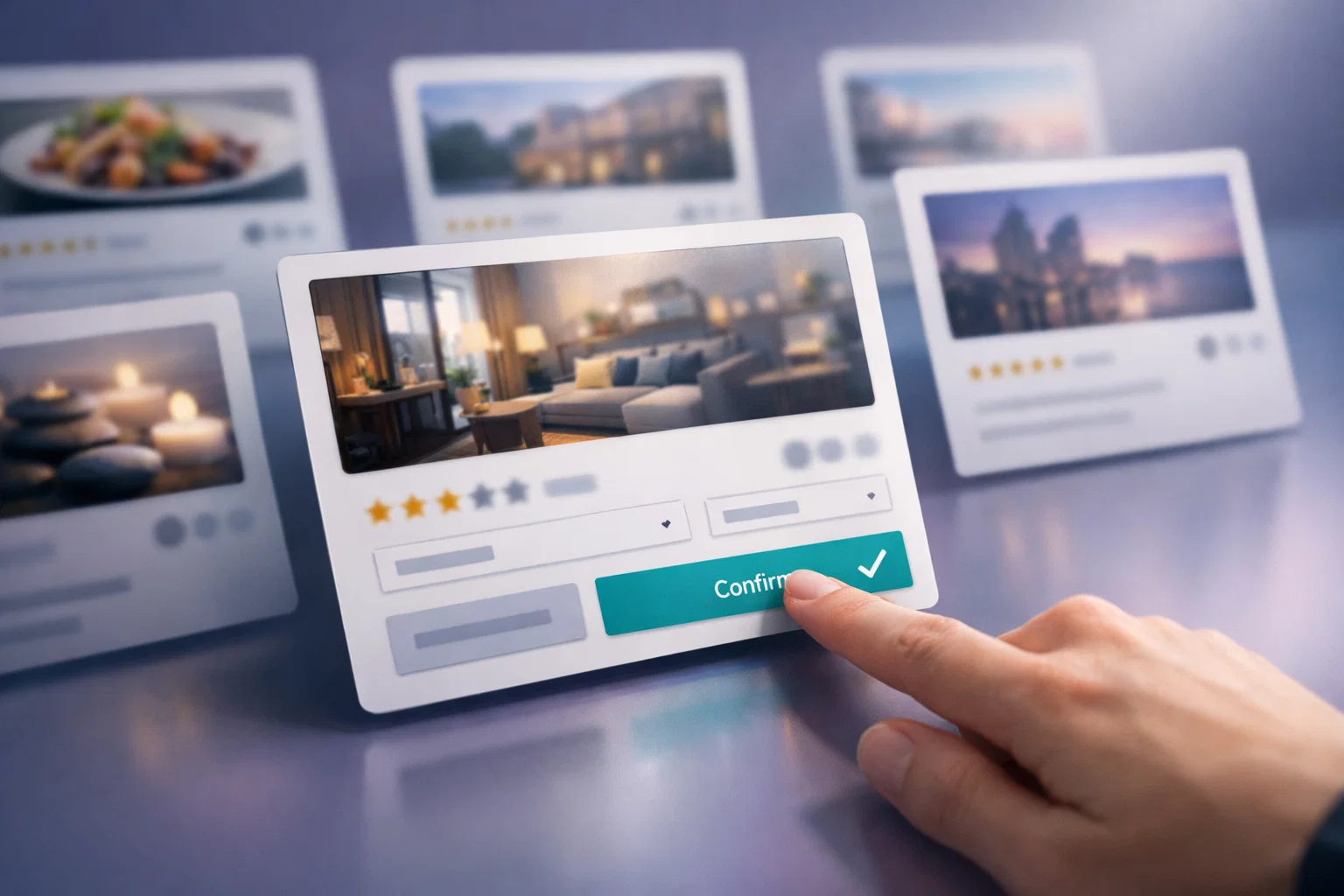
Because payment is connected to real user actions, booking-based monetization often feels fair and transparent to both businesses and users.
How Listdom Supports Booking and Reservations
Listdom provides booking functionality that can be attached directly to listings. This allows users to submit booking requests, reservations, or ticket-style actions without leaving the directory.
From the listing owner’s perspective, booking requests are tied to their listing and managed within their account. From the directory owner’s perspective, booking becomes a controlled and monetizable interaction.
Build with Listdom
Build your directory website with Listdom
Launch a polished WordPress directory with listings, locations, maps, search, and room to grow into a full directory business.
Exact configuration options, payment handling, and workflow details depend on how the directory is set up and are covered in the official documentation. This article focuses on understanding the role booking plays in a directory ecosystem rather than the technical setup. If you are updating an active booking directory, review the Listdom 6.0.0 booking-management changes before testing the workflow.
When Booking Monetization Works Best
Booking monetization is most effective when user intent is time-sensitive or action-oriented.
Directories that benefit the most include:
- Healthcare and professional service directories
- Hotel and accommodation directories
- Event and ticket-based directories
- Experience and activity marketplaces
- Local service directories
In these cases, booking is a natural next step rather than an added feature.
Combining Booking with Other Monetization Options

Booking works best as part of a layered monetization strategy.
It can be combined with:
- Listing claims and ownership
- Featured listings or priority placement
- Paid labels or visual highlights
- Subscription or package-based access
This allows directory owners to monetize at different stages of user engagement.
Managing User Experience and Trust
Because booking involves commitment and sometimes payment, clarity is essential.
Users should clearly understand what happens after they submit a booking or reservation request. Businesses should know how bookings are handled and what responsibilities they have.
Clear communication, confirmation messages, and transparent policies help build trust and encourage repeat usage.
What to Do Next
If booking and reservations align with your directory goals, the next step is to review the official Listdom documentation and decide how booking should fit into your directory structure.
Implementation guide
Need the technical details?
Use the Listdom documentation to configure listings, shortcodes, search forms, maps, and add-ons with confidence.
For dedicated documentation related to booking functionality and configuration, refer to:
https://docs.webilia.com/listdom/addons/booking/
To understand how booking fits into a complete monetization approach, you can also review the main monetization guide:
/blog/how-to-monetize-a-directory-listing-website/
If you have any questions or need help, you can contact Listdom support.
FAQ
What types of bookings can a directory website support?
A directory website can support appointments, reservations, and ticket-style bookings depending on its niche and configuration.
Do users need accounts to make bookings?
This depends on how the directory is configured. Some directories require user accounts, while others allow booking requests without full registration.
Can booking be combined with paid listings?
Yes. Booking often works best when combined with claimed or premium listings, creating higher value for listing owners.
Is booking suitable for all directory types?
Booking works best for directories where users are ready to take action, such as services, accommodations, or events. Informational directories may not benefit as much.
Does booking replace other monetization methods?
No. Booking complements other monetization methods rather than replacing them.
Final Thoughts
Booking and reservation features transform a directory website from a passive listing platform into an active marketplace. By enabling users to act directly from listings, directory owners can create meaningful value and sustainable monetization opportunities.
Listdom ecosystem
Build the directory workflow described in this guide
Use related Listdom products, add-ons, and planning pages to turn this guide into a structured directory project.
When implemented thoughtfully, booking-based monetization strengthens engagement, improves conversion, and supports long-term directory growth.
FAQ
Common questions
What types of bookings can a directory website support?+
A directory website can support appointments, reservations, and ticket-style bookings depending on its niche and configuration.
Do users need accounts to make bookings?+
This depends on how the directory is configured. Some directories require user accounts, while others allow booking requests without full registration.
Can booking be combined with paid listings?+
Yes. Booking often works best when combined with claimed or premium listings, creating higher value for listing owners.
Is booking suitable for all directory types?+
Booking works best for directories where users are ready to take action, such as services, accommodations, or events. Informational directories may not benefit as much.
Does booking replace other monetization methods?+
No. Booking complements other monetization methods rather than replacing them.